







Signs Your Online Bank Account Is Under Attack-And What to Do
Optimized for search engine display with primary keywords and compelling messaging that encourages clicks


Your bank account is unquestionably one of the most important digital assets you've got. It is the gateway to not only your cash but also your personal financial data and identity. Nevertheless, online banking account compromise has become a more and more sophisticated crime, and the criminals are taking to phishing, malware, credential stuffing, and social engineering tactics that are quite effective as they are used widely.
The risk is primary and escalating. In 2025, more than 70% of banking fraud cases would be accounted for by account takeover attacks-this means that crooks are aggressively after your online banking access to transfer the money. However, early recognition of the signs is a good preventive measure against the financial catastrophe.
During the following text, we will identify the very signs that your online bank account might be under attack and then give you concrete measures to protect your account without delay.
Why Online Bank Accounts Are Prime Targets
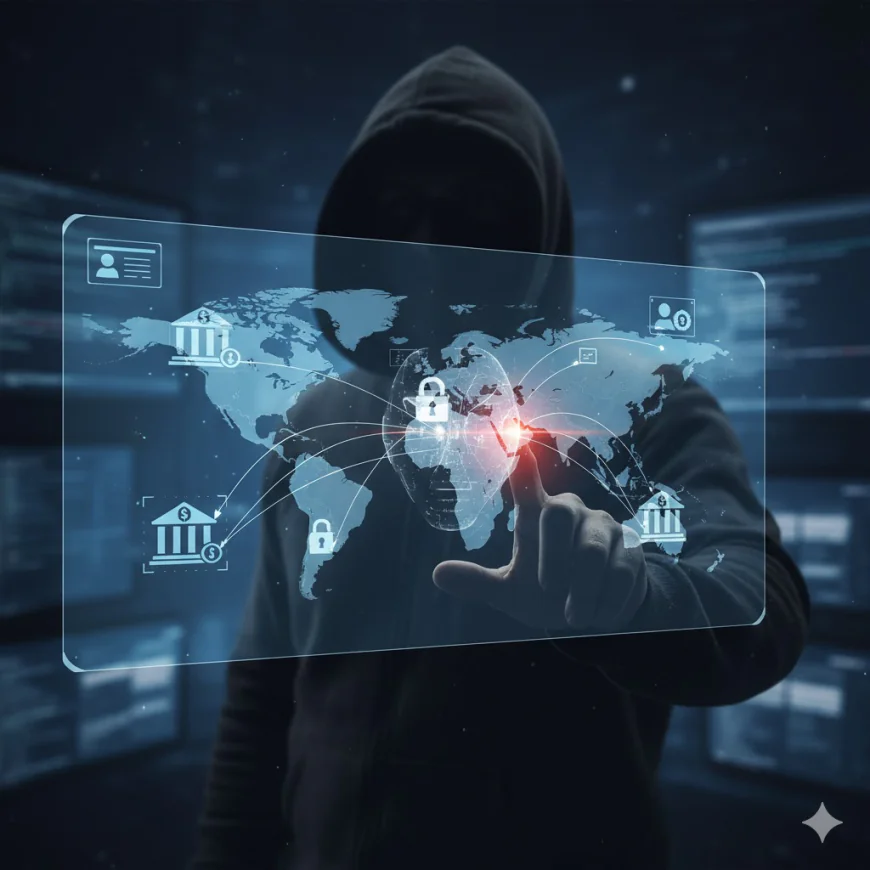
The reason behind attackers' focus on online banking can contribute to the understanding of the necessity of being vigilant. Cybercriminals have bank accounts as their main target because of two main reasons: one is the direct financial gain, and the other is the access to sensitive personal data. Your banking profile, for instance, is not just about login credentials, but also about the information that can be used for identity theft, fraudulent loans, and unauthorized transactions.
The availability of banking apps and websites is another factor that contributes to the attackers’ interest in online banking. To rob a bank physically its location limits the robber, however, to attack a bank account from anywhere in the world only the internet connection and the compromised credentials are needed. The vast amount of money involved in the so-called "phishing" and "malware" scams is the reason why the hackers are buying those attacks as their investments are almost certain to pay off-if they can manage to hack even a handful of accounts.
10 Warning Signs Your Bank Account Is Under Attack
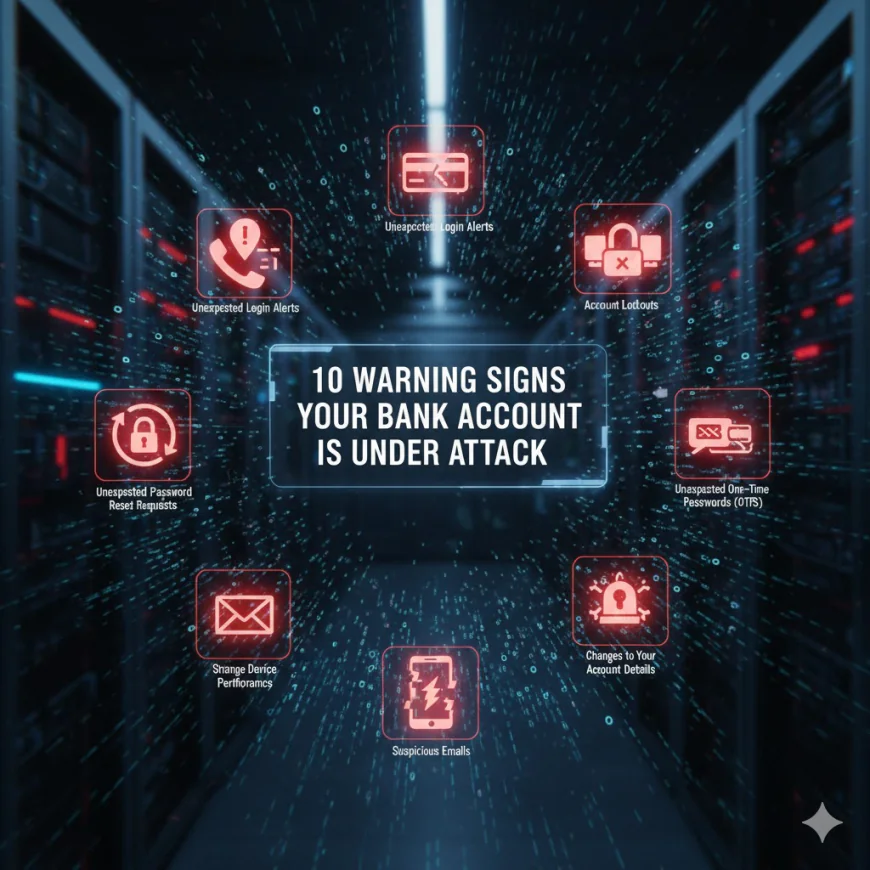
1. Unexpected Login Alerts from Unknown Locations
Your financial institution notifies you whenever there is a reason for it. In case you get alerts about login attempts or successful logins from unfamiliar places, countries, or devices, just consider this as a very serious warning. Sometimes even a failed login could mean that your ID has been compromised and is probably being used in criminal networks.
What should you do? If you are not using two-factor authentication (2FA), turn it on immediately. Check the list of devices that can access your account and sign out of any device that you do not recognize. Change your password from a secure device and think about freezing your account for a short period of time.
2. Unauthorized Transactions or Withdrawals
One of the clearest indications that your account has been hacked is spotting charges, transfers, or withdrawals that you did not approve. One of the methods used by thieves is to make a few minor transactions as a test to check if they are going to be caught or not before stealing the bigger amount.
What to do: Get in touch with your bank right away-preferably within 24 hours. A lot of banks have measures in place that will protect you from loss if you report unauthorized transactions quickly. Keep a record of the precise amounts, dates, and retailers concerned. In most cases, banks are able to undo fraudulent transactions if they are informed right away.
3. Account Lockouts or Suspension
One of the clearest indications that your account has been hacked is spotting charges, transfers, or withdrawals that you did not approve. One of the methods used by thieves is to make a few minor transactions as a test to check if they are going to be caught or not before stealing the bigger amount.
What to do: Get in touch with your bank right away-preferably within 24 hours. A lot of banks have measures in place that will protect you from loss if you report unauthorized transactions quickly. Keep a record of the precise amounts, dates, and retailers concerned. In most cases, banks are able to undo fraudulent transactions if they are informed right away.
4. Unfamiliar Devices or Browsers in Your Login History
Most of today's banking applications and sites offer the possibility of checking active sessions and connected devices. In case you notice some smartphones, tablets, laptops, or browsers that you don't recognize, it means that your account is accessed by someone else.
What you need to do: Instantly sign out from all sessions and change your login details. This makes it a requirement for all the users with old access tokens to authenticate themselves again. If it is not possible, change your password using a device that is showing unauthorized access.
5. Unexpected Password Reset Requests
In case you find yourself getting password reset emails, SMS codes, or security verification requests that you haven't requested, it indicates that attackers are making an effort to gain control over your account. This is a serious alert and needs quick action.
What to do: Do not under any circumstances click on the links found in unsolicited password reset emails. Rather, go directly to your bank's authentic website or app to see if there are any security alerts. Inform your bank about the security attempt. If your bank allows it, switch to app-based authentication (like Google Authenticator) rather than SMS-based 2FA since SMS is susceptible to SIM swapping attacks.
6. Changes to Your Account Details You Didn't Make
If there is a sudden change in your email address, phone number, linked bank cards, or mailing address, it is a warning sign that an unauthorized person has gained administrative control over your account. To ensure that they do not lose access, attackers usually change these details to keep you out of your own account.
What you should do: Right away, get in touch with your bank and ask for a complete examination of your account settings. Change all contact details back to ones you know. Request that your bank put a security hold on your account until the investigation is completed.
7. Unusual Security Notifications or Alerts
The notifications sent by banks regarding security such as new payees added, large fund transfers users were not even involved in or login from uncommon locations have their justifications. If you are getting notifications about actions you did not do your account is hacked.
What to do: Don't take these notifications lightly. Deal with them at once instead of considering them false alarms. If you are not sure about a certain action, call your bank using the number provided on their official website instead of the number given in the notification.
8. Strange Device Performance or Banking App Behavior
A bank application that takes longer than normal or freezes unexpectedly, and doesn't work properly, could be a signal that your data is being gathered or you are experiencing a man-in-the-middle situation. Some malware even changes the legitimate banking pages you are visiting on the internet without your knowledge, thus enabling the thieves to steal your transactions.
Steps to follow: First, clear the app cache and then update your banking application to the latest version. Next, run a malware scan on your device with the help of a good antivirus software. If the problems still exist, then try to use the official website of your bank for transactions instead of the app. If the problems continue to exist, reach out to your bank and think about doing your banking on a different device.
9. Suspicious Emails Claiming to Be from Your Bank
Out of all the possible means, phishing emails are the most common. The way these emails are made is to be so real that a bank's logos, email templates, and even the official language are used to deceive a customer to give up their sensitive information or to open malicious links.
What to do: Pay close attention to sender email addresses-phishing messages are usually sent from very similar addresses to the real ones with just a little change in spelling. Always avoid clicking on links in emails or texts that ask you to validate your account information. Rather, go to your bank's site or app. If you still have doubts, contact your bank using a number found on their official website.
10. Unexpected One-Time Passwords (OTPs) or Verification Codes
Getting OTP codes that you did not request means that the attackers are trying to enter your account by using credential stuffing or stolen login details. They are attacking your 2FA defence.
What to do: Passwords should be changed without delay, and the process should be done on a secure device and a trusted network. As SMS can be intercepted, it is better to use app-based 2FA instead of SMS-based codes if possible. Inform your bank about the unauthorized access attempts. For the next few weeks, observe your account very carefully.
Immediate Action Steps If You Suspect Compromise
Contact Your Bank Without Delay
To notify your bank about suspicious activities, always use the bank's official telephone number which you can find on its website or your debit card. Avoid using numbers provided in emails, texts, or search results, as they may be fake support numbers that are under the control of the attackers.
Change Your Password Immediately
Connect the secure device to a trusted network-not public Wi-Fi. Make a strong password that is unique to your banking account and different from the ones you use elsewhere. A password manager can be a good option for you since it will be able to help you generate and store complex passwords securely.
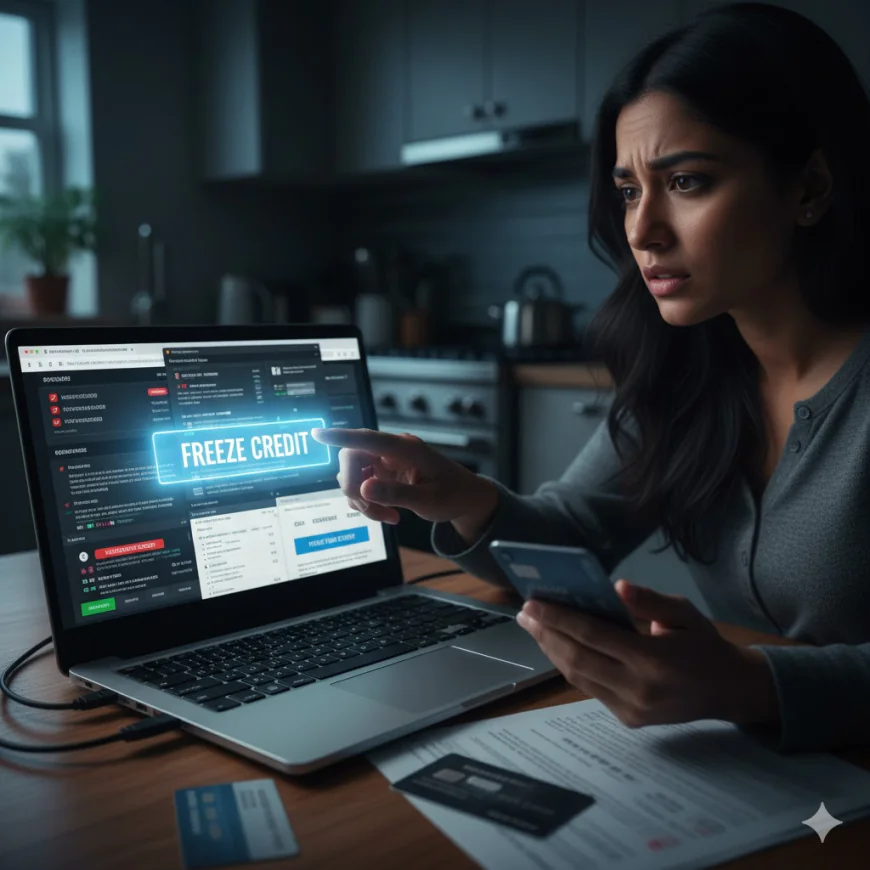
Freeze Your Credit
In the case where you think that besides the breach of your account, identity theft might have occurred, get in touch with the three main credit bureaus namely Equifax, Experian, and TransUnion, and ask for a credit freeze. This measure will stop the criminals from setting up new accounts under your name.
Review Your Credit Report
Monitor your credit report for any accounts or inquiries that you didn’t authorize. You can get free credit reports from annualcreditreport.com. Discover accounts that were not created by you or hard inquiries that were not permitted by you.
Monitor Your Account Actively
You must daily review your banking activities for the next 30 days at the very least. Also, configure an alert for transactions that exceed a certain limit for withdrawals. Banks provide monitoring services for free-so make the most of it.
Strengthening Your Banking Security Long-Term
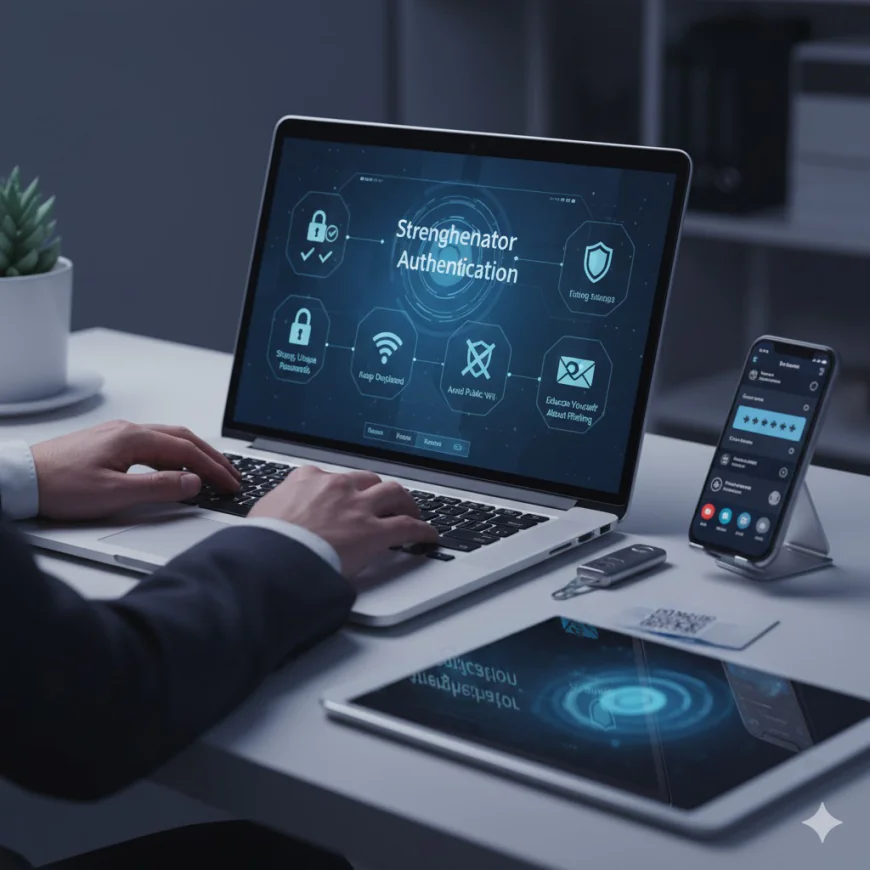
Beyond responding to immediate threats, implementing ongoing security practices protects your account from future attacks.
Enable Multi-Factor Authentication
Two-factor authentication (2FA) is a security feature that provides a significant layer of protection. In the case of a password leak, the attacker still has to provide the second factor in order to get into the account. Whenever possible, choose the app-based authentication over SMS-SMS is weak against SIM swapping, where the attackers persuade the mobile carrier to change the phone number to their own.
Use Strong, Unique Passwords
It is a must that every online account has its own password. This measures the security level and stops the intruders who have gained access to one service from using that same password to get into your bank account, for instance. Password managing tools such as Bitwarden, 1Password, or Dashlane can help you in this regard.
Keep Your Device Updated
Keep your operating system, browser, and applications updated on a regular basis. The security updates close off the access to the weaknesses that the hackers are using actively. Switch on the automatic updates if it's feasible.
Avoid Public Wi-Fi for Banking
Do not log into your bank account on public Wi-Fi networks at any time. Utilizing your mobile hotspot or postponing until you’re on a secure home network is the best choice. Public Wi-Fi is open to man-in-the-middle attacks during which thieves decipher and seize unencrypted data.
Educate Yourself About Phishing
Phishing attempts can be identified through learning. Be on the lookout for things like sender addresses that seem strange, demands for confidential information, urgent language or links that have a domain not matching the so-called sender’s. If you are still not sure, then reach your bank directly through an official phone number.
The Role of Advanced Security in Banking Protection

In an attempt to make customers feel more secure, financial institutions are also increasing their protection measures. Banks of the present day use AI-based fraud detection systems which can analyze patterns of transactions in real-time, thus detecting any activities that could possibly be a breach. The systems have the capability of spotting the attempts to take over a user account a couple of days ahead of the time when the fraudulent transactions are to happen and thus giving a chance to the banks to act fast.
Another technology which has been developed is behavioral biometrics, which are identifying the people through the styles, i.e., how each particular person behaves with the particular banking platform, like typing speed, the number of times a person logs in, and the person’s device patterns, etc. When such patterns differ, it can lead to the extension of extra authentication steps or fraud alerts.
If you are the one in charge of information security in your organization, the same risk management principles apply. The implementation of strong identity verification, transaction monitoring, and compliance frameworks is an effective way of safeguarding sensitive financial and operational data. The security solutions that incorporate compliance management and provide real-time risk assessment are becoming more and more essential. Platforms like IntelligenceX support organizations in developing the complete information security programs that are customized according to their risk profile and thus make the process of detection and response to threats easier while ensuring compliance across many different frameworks.
Key Takeaways
Your online bank account should be protected just like your physical wallet, if not more so. Digital theft can happen silently and in large volumes, therefore, the protection might be more. Recognizing the warning signs, problem awareness, and taking action are the main things, while security measures will still be present at your end as a protective barrier.
Your vigilance combined with the bank’s advanced security tools will make a strong defense against account takeover attacks. Be aware of new threats, keep your passwords safe, and if something feels wrong, do not hesitate to contact your bank. Your instincts play a crucial role when it comes to banking security as they are often your first line of defense.
Take note: when there is something odd with your account, it is very likely that there is. Rely on your instinct, get in touch with your bank, and act quickly. The little effort you make today towards security will save you from losses that might cost you a fortune in the future.