




















The Secret Backdoor in Your Home Wi-Fi Router (And How to Lock It)
Learn how backdoors in Wi-Fi routers work, the warning signs of compromise, and expert-approved security steps to protect your network from unauthorized access.

Introduction
Your home Wi-Fi router, with a low profile, is sitting in the corner of your living room, and at the same time, it is providing internet connection to all devices in your household. Its security is probably not something that has crossed your mind too often-but the hackers have considered it. The latest security reports indicate that routers are the most sought after by cybercriminals and there are thousands of devices worldwide whose security has been compromised, thus allowing the hackers to gain access to the entire network unnoticed and create their back doors. What is more disturbing? The majority of home users are completely oblivious of the fact that their routers have been hacked.
The router is the entrance to your whole technological life. After getting into it, the hackers could get your bank details, take personal information from your smart home devices, spy on your internet usage, or even send you to harmful sites. In 2025, router compromises have gone out of control with statistics revealing that 81% of users never modify their router's default username and password, which makes their networks extremely susceptible to attacks.
This guide uncovers the methods of infiltration of your router by backdoors, the signs you should not miss, and the definite actions you can take immediately to secure your network.
What Is a Router Backdoor?
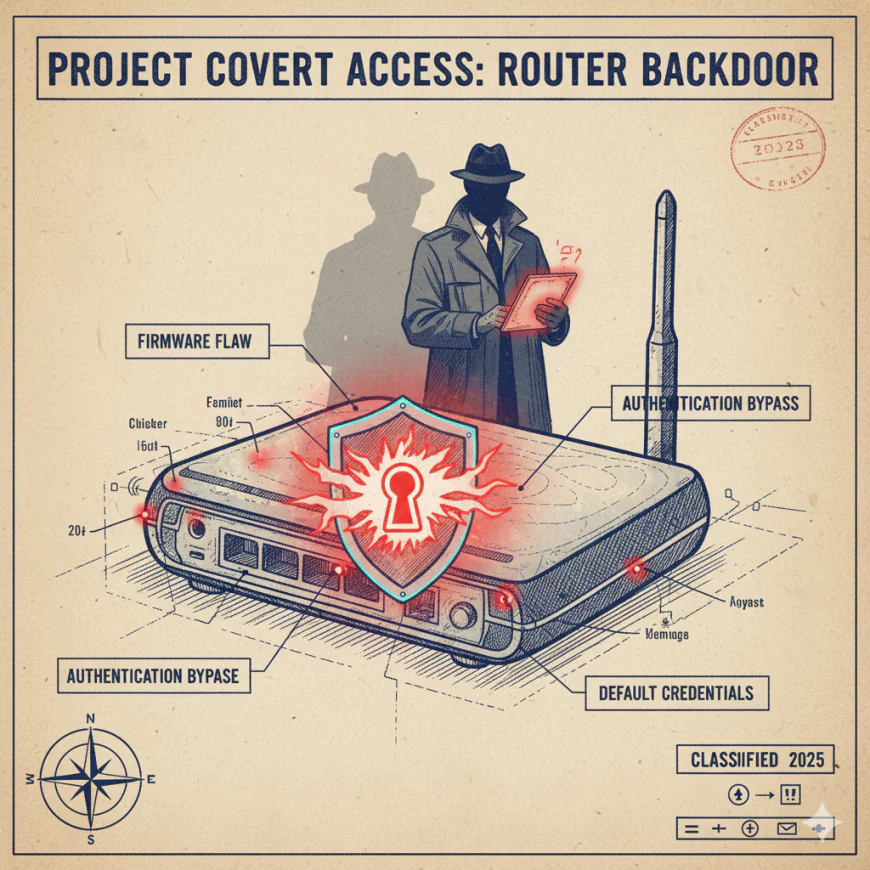
A router's backdoor is a concealed access point that permits attackers to circumvent the usual authentication and take control of your device illegally. A backdoor does not need the password like a regular hack, rather it gives access through weaknesses in the router's firmware or configuration that the normal user never finds out about.
These backdoors can be introduced in several ways:
Firmware Vulnerabilities: Occasionally, manufacturers unintentionally introduce security weaknesses into their firmware code. Initially, these vulnerabilities are known to the attackers who then misuse them to sneak in as administrators, and the router owner remains unaware of the intrusion.
Authentication Bypass Flaws: A few routers possess functionalities that provide administrative access without the necessity of proper authentication hence, attackers exploit multiple vulnerabilities one after another to penetrate all the security layers.
Default Credentials: As default passwords are never changed by 81% of users, attackers easily guess the combinations such as "admin:admin" or "admin:12345" until they are in the system.
Malicious Firmware: In exceptional circumstances, the intruders gain total control of the router by installing custom firmware that has a backdoor for them.
The persistence of router backdoors is the most harmful feature. A recent campaign revealed that the hackers were able to hold on to their access rights even if the users rebooted their routers or installed the latest firmware-this was a technique that kept the compromised devices under the control of the attacker permanently.
Recent Real-World Router Backdoor Attacks
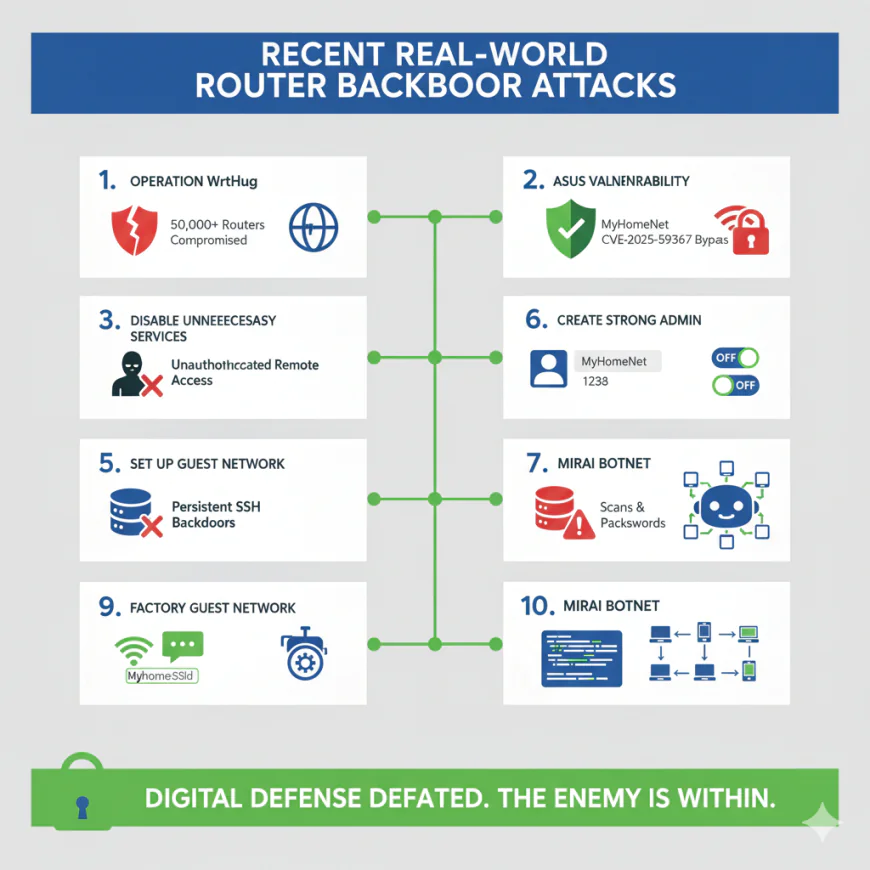
The danger is real and not imaginary. In 2025, the experts in security revealed Operation WrtHug, a series of attacks that affected more than 50,000 ASUS routers worldwide. The intruders took advantage of the known weaknesses to enter the system and then planted persistent SSH backdoors that could not be removed by rebooting or updating the firmware. They did so by switching on SSH on a non-standard port and inserting their own cryptographic keys into the router's configuration.
In November 2025, ASUS issued an urgent security update for CVE-2025-59367, a highly critical bug that enabled authentication to be bypassed affecting the DSL-AC51, DSL-N16, and DSL-AC750 router models. This bug made it possible for completely unauthenticated attackers to gain remote access to the routers and change their settings-without any user intervention.
What is even more alarming is the Mirai botnet's legacy which goes back to 2016 when it infiltrated and enslaved hundreds of thousands of n router devices by merely scanning the internet and trying default credentials. That same technique still works devastatingly well nowadays.
How Do Backdoors Get Into Your Router?
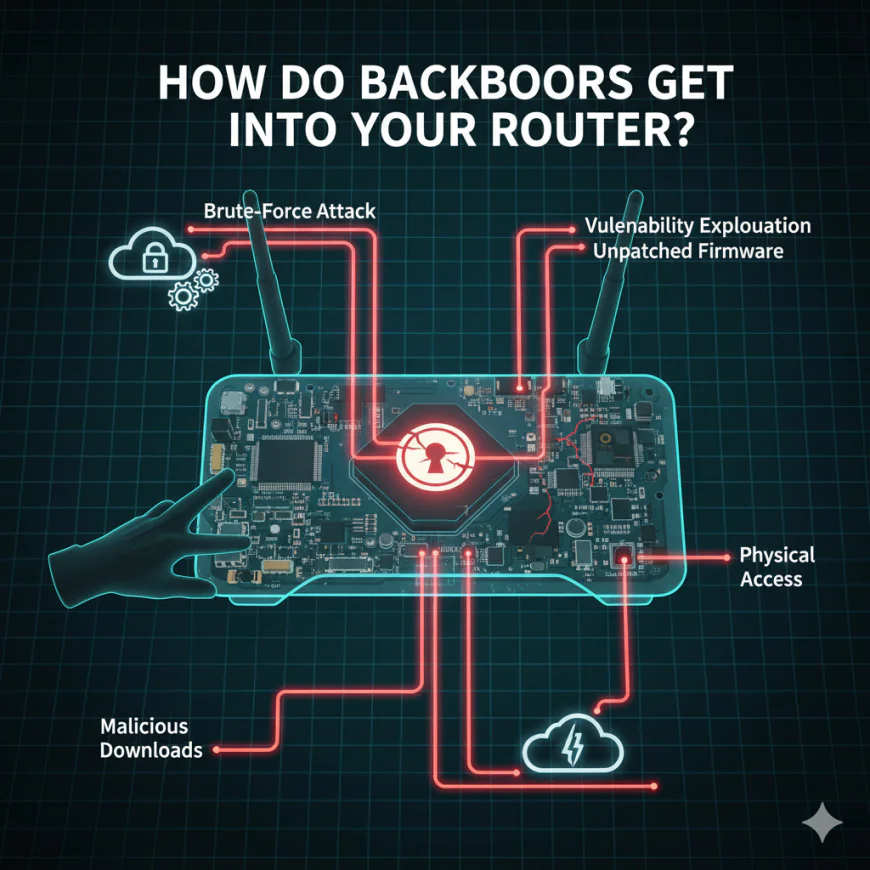
Understanding the attack vectors helps you recognize vulnerabilities in your own setup:
Brute-Force Attacks: Hackers utilize automated tools and run through thousands of password combinations on the login page of your router. If they find the password weak or it’s the default one, they can get in within seconds.
Vulnerability Exploitation: Security experts keep on finding a weakness in router firmware. Attacks are done at scale exploiting these vulnerabilities before the manufacturers come up with the patches.
Unpatched Firmware: A study suggests that 89% of the people do not update their router firmware ever. As a result, the vulnerabilities are kept exploitable for a long time even after the patches are issued.
Physical Access: Sometimes the attackers who have physical access to your router can press the reset button, thus bringing it back to the default settings. The attackers then use the default credentials to get access to the router.
Malicious Downloads: Malicious links or infected files can take over the devices that are connected to your network and they can even move laterally into your router.
Once the attackers are inside, they can change the router's configuration, create backdoors that can withstand factory resets, allow remote access protocols, or make the router a part of a larger botnet for further attacks.
10 Warning Signs Your Router Has Been Compromised
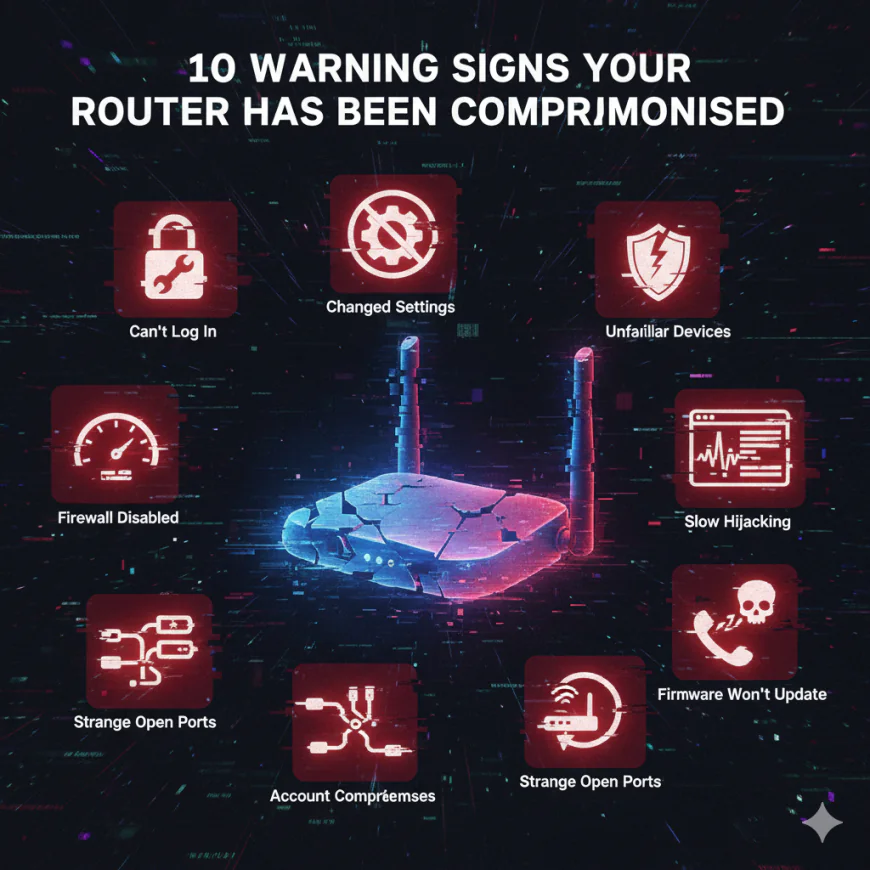
1. You Can't Log Into Your Router
If your admin password suddenly stops working then there is a possibility that someone may have physically or remotely changed it and locked you out. This is one of the strongest indicators of compromise.
2. Unexpected Changes to Router Settings
Check your router's admin panel. Look for altered DNS settings, disabled firewall, enabled port forwarding you didn't configure, or changed network names. Usually, these changes take place without any announcement.
3. Unfamiliar Devices on Your Network
Your router logs every device that connects to it. If you see IP addresses or device names you don't recognize, unauthorized users have access to your network.
4. Disabled Firewall or Security Features
Attackers disable firewalls to leave your network exposed. If your firewall is mysteriously off despite your configuration, that's a red flag.
5. Slow Internet Speeds Without Explanation
A compromised router often processes traffic for malicious activities running in the background. This consumes bandwidth and slows your legitimate traffic.
6. DNS Hijacking Symptoms
You notice fake antivirus warnings, unexpected pop-ups, or security error messages on websites you trust. These indicate DNS redirection to malicious sites.
7. Suspicious Device Activity
Devices on your network begin showing ransomware warnings, malware alerts, or unexpected downloads-even when you're not actively using them.
8. Session Hijacking or Account Compromises
Your email, social media, or banking accounts get hacked despite having strong passwords. A compromised router can intercept login credentials.
9. Strange Open Ports
Advanced users checking router logs notice listening ports they didn't configure, especially uncommon ones used for remote access protocols like SSH (port 53282 is a known backdoor indicator).
10. Firmware Version Doesn't Update
While initiating the firmware update process, you notice that the router is still on the same version or the update option is not available at all. In some cases, malicious actors turn off firmware updates as a way to block the installation of patches.
How to Detect a Router Backdoor

If you suspect your router is compromised, take these immediate investigative steps:
Check the Admin Dashboard
Access your router's settings by typing its IP address (usually 192.168.1.1 or 192.168.0.1) into your browser. Look for recently connected devices, changed admin passwords, altered DNS settings, or unusual port forwarding rules.
Review Connected Devices
Examine the list of devices currently connected to your Wi-Fi. If you see unfamiliar device names or MAC addresses, someone unauthorized is using your network.
Compare Firmware Version
Visit your router manufacturer's website and check the latest available firmware version for your model. If your router's firmware is outdated, it's vulnerable to known exploits.
Check Admin Access Logs
Some routers log login attempts and administrative changes. Review these logs for unfamiliar usernames, suspicious IP addresses, or access times when you weren't home.
Look for Enabled SSH
Advanced attackers enable SSH (Secure Shell) on the router for remote access. Check if SSH is enabled in your security settings, particularly on non-standard ports like 53282.
Run Network Scans
Use network monitoring tools to identify all connected devices, check for open ports, and detect unusual network activity patterns.
Expert-Approved Steps to Lock Down Your Router
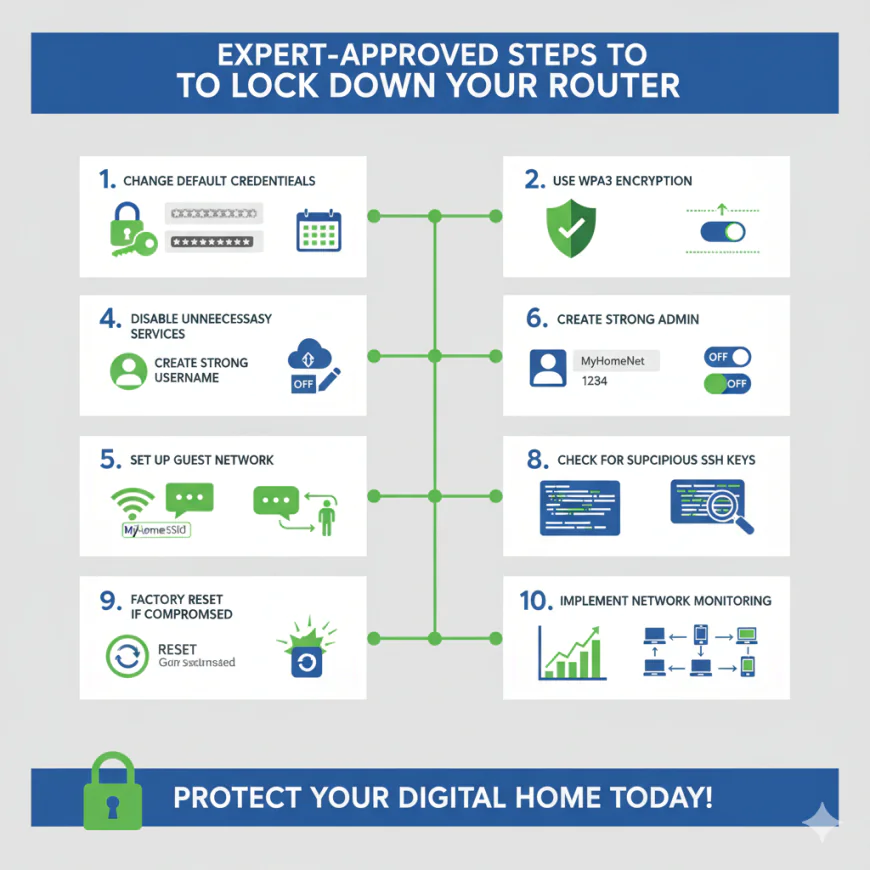
Step 1: Change Default Credentials Immediately
The most essential measure you can take is to alter the default admin username and password of your router. A robust password should be generated which is minimum 16 characters long and contains upper and lower case letters, numbers and special characters. It should not include any words from a dictionary or follow any obvious patterns.
In the same way, make your Wi-Fi network password a very strong one. One study found that 81% of users never change their router password and this is the reason why default credentials are still the easiest way into home networks, which is perfectly illustrated by the study.
Step 2: Update Firmware Regularly
Visit the website of your router's manufacturer every month to see if there are any firmware updates available. If your router has the option, make sure to enable the automatic firmware updates feature. A lot of routers offer the possibility of scheduling the updates for times when the internet is not heavily used so that the connection will not be affected during the updates.
Firmware updates fix security holes that have recently been found. If you do not update your router you will be left open to the attacks that are being carried out on the vulnerabilities the update is meant to fix.
Step 3: Use WPA3 Encryption (or WPA2 as Minimum)
Access the section of wireless security in your router settings and turn on WPA3, which is the current Wi-Fi security standard. In case your router does not offer WPA3 as an option, then always select WPA2 as the least secure option. Avoid using WEP or WPA encryption that are now considered obsolete.
WPA3 guarantees that all communications between your devices and router are encrypted, thus it is immensely difficult for the hackers to get your data through interception.
Step 4: Disable Unnecessary Services
A typical router admin panel is full of features you do not need: UPnP, WPS remote management SSH access. All these functions should be disable unless you are using them one at a time. Most importantly, disable remote management this opens the router to internet access. If anyone need to have remote access for work related purposes, restricted it to only a few pre authorized IP addresses.
Step 5: Create a Strong Admin Username
Some routers allow changing the admin username from the default admin. Create a unique username is not easily guessable. This adds a layer of obscurity that deters casual attackers.
Step 6: Set Up a Guest Network
Create a separate guest network with its own password and restricted access. Use this for visitors instead of sharing your main network password. Guest networks prevent visitors from accessing your connected devices and sensitive network resources.
Step 7: Change Your Routers Network Name (SSID)
Don't use the default network name, which often reveals your router's brand and model. Create a custom SSID that gives attackers no information about your device. For example, avoid ASUS-2401 and use something generic like HomeNet.
Step 8: Check for Suspicious SSH Keys
If you're technically inclined, access your router's SSH configuration and look for installed public keys. Malicious SSH keys typically start with AAAAB3NzaC1yc2EA. If you find unfamiliar keys, delete them immediately. If the router supports it, disable SSH entirely.
Step 9: Factory Reset If Compromised
If you find any evidence of a security breach, you need to go ahead and do a factory reset. Press the reset button for 10 to 15 seconds to restore the router to its factory settings. Any installed backdoors will be removed due to this, but you will have to start right from scratch and reconfigure your network again. An extremely important caution is that a factory reset works only in the case of the backdoor not being embedded in the router's hardware, which is becoming rarer but still theoretically possible in the case of very sophisticated attacks.
Step 10: Implement Network Monitoring
Use network monitoring tools like ESET Network Inspector, Kaspersky's home protection modules, or open-source options like Pi-hole to monitor network traffic for suspicious activity. These tools can alert you to unusual connections or malicious domains your devices try to contact.
Additional Security Layers
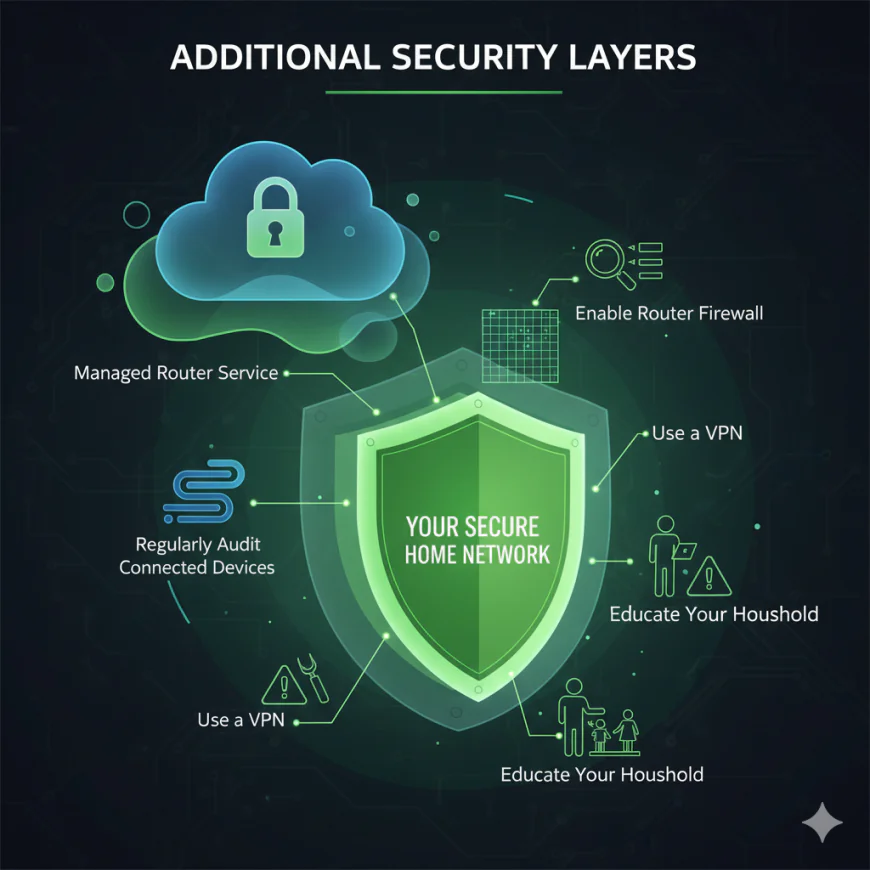
Consider a Managed Router Service: There are a few Internet Service Providers and third-party service providers that offer managed router services whereby security patches are automatically applied, and suspicious activity is monitored. This way, a user has to place their trust in an external service provider, but on the bright side, the security management is offloaded.
Use a VPN: A virtual private network encrypts your internet traffic and sends it through a protected tunnel. Even if your router is compromised, attackers cannot intercept your data in transit.
Enable Router Firewall: Enable the firewall on your router. It screens the incoming traffic and prohibits unauthorized access attempts from the internet.
Regularly Audit Connected Devices: Monthly, go into settings and remove devices connected to your network you no longer use or recognize.
Educate Your Household: Train family members to avoid clicking on suspicious links in emails or messages, since one compromised device can result in a network wide breach.
Conclusion
Your Wi-Fi router is not only a device to which your devices connect for internet access, but it is also the first line of defense for protecting your digital household. A hacker who targets your router can gain access to the entire network and, hence, all the devices connected with it.
This is the optimistic side of the problem: unlike those complicated cyber attacks that require highly skilled personnel and take a lot of time, the security of routers depends completely on taking simple actions that you can implement at this very moment. Simply change your default credentials, update firmware, use strong encryption, and turn off every unnecessary service. These basic practices eliminate the easiest paths through which attackers gain access to routers.
While there will always be a shifting threat landscape-with new vulnerabilities constantly being discovered-by being proactive, you can lock the secret backdoors and keep your network safe and your digital life secure. That can be done by regularly checking your router's settings, keeping its firmware updated, and practicing good password hygiene.
The time is now to take the most critical step: change that default password!