




Never Open These Emails-Ever: The Most Dangerous Messages in Your Inbox
Stay alert against dangerous emails! Discover the red flags of phishing, scams, and malware messages-and learn why you should never open these emails, ever. Safeguard your inbox with actionable Cyber Security tips today.


While email is the backbone of digital communication, among your daily messages lie some with hidden dangers that can upend online life. As cybercrime grows bolder, and their tricks sharper, knowing the emails to delete without even opening it is critical for cybersecurity in today's world. Let's unpack the most dangerous email threats, the telltale signs of a scam, and actionable steps toward keeping your digital life safe-because sometimes the safest action is never to open these emails, ever.
The Email Threat Landscape in 2025
Over the years, email security threats have changed. The spam of the past was nothing but a nuisance, but the emails of today are constantly searching for ways to access your information, ransom your data or penetrate your devices holding confidential information. Phishing emails are the most common cause of such attacks and their realism has increased to an extent that it is worrying.
Some numbers to put things in perspective:
- Spear-phishing emails account for over 90% of all successful cyberattacks.
-
Bank robbers using cyber-techniques are now employing AI to produce messages that look real and are impersonating trusted brands, co-workers, or even family members.
-
In the case of ransomware delivered via email, there is a continuous increase, and every new month sees the birth of new types
This isn’t fearmongering. It’s reality-and understanding the threat is your first defense.
Never Open These Emails: Red Flags to Spot Instantly
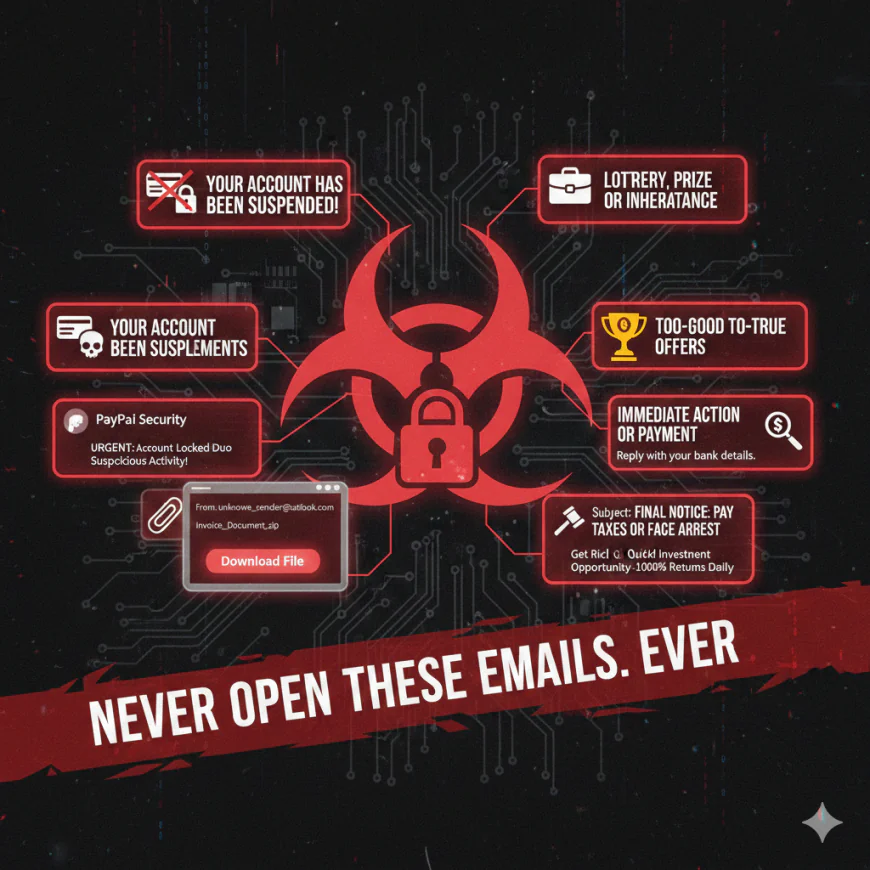
Spotting a dangerous email is a skill every professional and home user needs. Here are five emails you should never open, reply to, or click on-ever:
- Your Account Has Been Suspended!
Scammers take advantage of the urgency of account suspension notices or unauthorized login alerts. If you get an unexpected email from "your bank," PayPal, Amazon, or a major social media service, pause and ask: Did I expect this? Don't click any links. Instead, go directly to the official site.
-
Unsolicited Attachments from Unknown Senders
This would probably be loaded with malware or ransomware if the subject is generic, such as "Invoice Attached" or "Document for Review", and you do not recognize the sender. Opening the attachment can trigger an infection instantly.
-
Lottery, Prize, or Inheritance Notifications
No, you didn't win $10 million from an international lottery that you never entered. These kinds of classic phishing emails try to lure you into giving up personal data or even paying a "processing fee".
-
Emails Demanding Immediate Action or Payment
Messages saying that you owe money to the IRS, police, or to some authority figure-and will be arrested if you don't pay now-are textbook scams. Actual authorities don't communicate this way.
-
Too-Good-To-Be-True Job or Investment Offers
Emails that boast of crazy returns, secret investments, or high-paying jobs requiring no experience are most often scams or identity theft in disguise.
Anatomy of a Dangerous Email
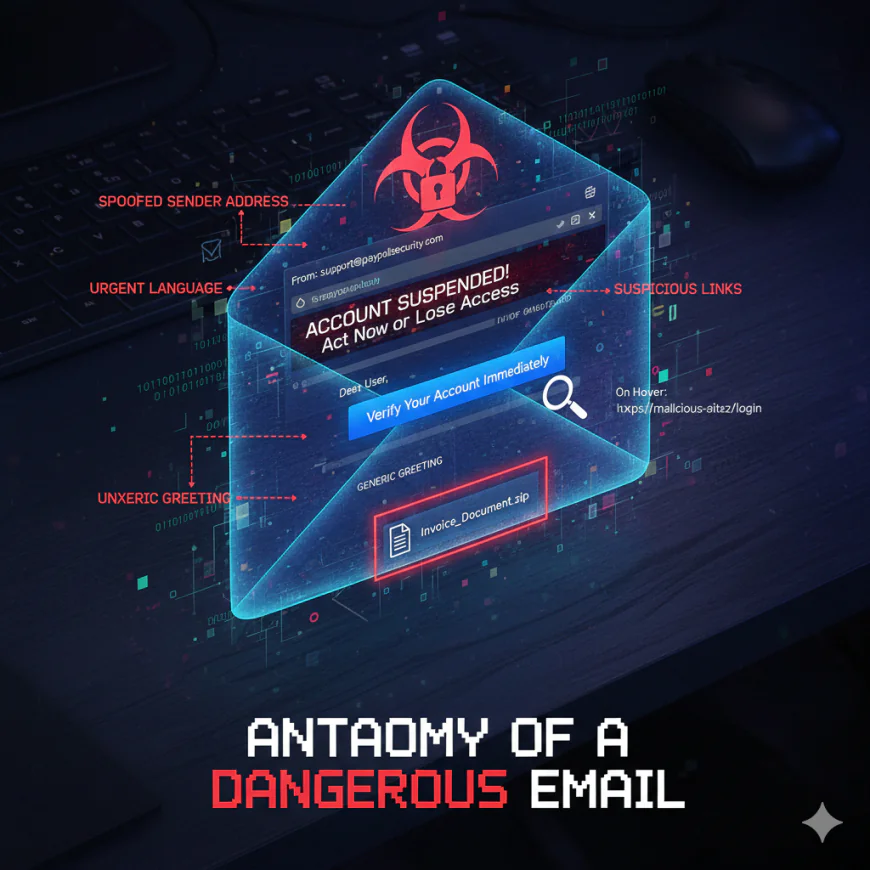
Cybercriminals implement various psychological tricks and technical tactics. Here is how a typical phishing e-mail is engineered for deception:
-
Spoofed Sender Address: The email appears to be from a trusted brand: eg, [email protected] the subtle spelling mistake.
-
Urgent Language: Subject line either threatens or entices instant action (“Verify Your Account Immediately!”)
-
Suspicious Links: The URL on hover points to some place unexpected-perhaps a domain spelled like your bank but with an extra letter.
-
Generic Salutations: "Dear User", instead of your actual name, particularly if you are the customer.
-
Unexpected Attachments: PDFs, ZIP files, or Word docs that are asking you to enable macros
Real-World Examples
- The CEO Scam: Hackers impersonated the CEO of a company and sent an email to the HR or finance department asking for a wire transfer. The email was very convincing and was nothing but a clever manipulation of social skills.
-
Fake Package Delivery: You receive a shipping notification from either "FedEx" or "DHL," and it contains tracking links as well. If you click on it, you may be installing a keystroke logger.
-
COVID-19 Alerts: During critical moments even pandemics or disasters, the health agencies' fake updates inundate the mailboxes pretending to be their legitimate communications
Why You Should Never Open These Emails-Ever
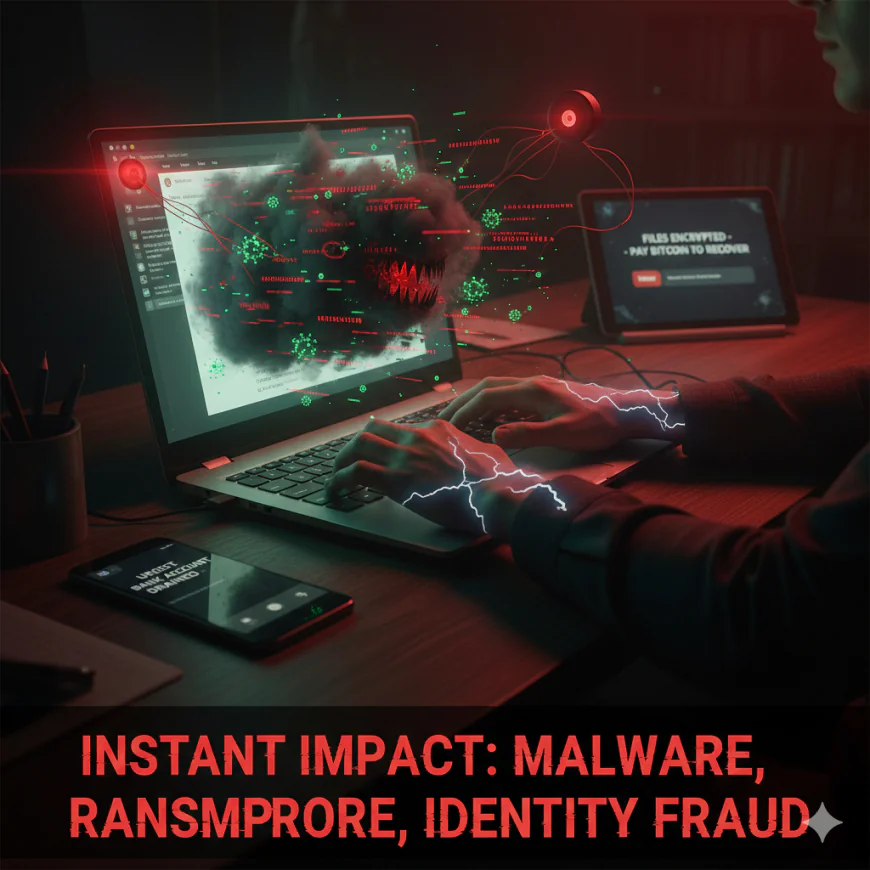
The danger is real, and the consequences can be instant:
Malware Infection: Opening a malicious attachment can immediately give hackers control over your machine.
Ransomware: Some of these attachments launch ransomware that locks your files and demands payment.
Credential Theft: Phishing links steal your usernames and passwords; sometimes, they even get past two-factor authentication.
Identity fraud and financial loss: Your personal and business information can be sold on the dark web or used to commit fraud.
Once an attacker has a foothold, they can move laterally, targeting your colleagues, your clients, or your family.
Proactive Steps to Stay Safe
First and foremost, be vigilant. Here’s what you can do every day:
- Always scrutinise sender addresses and URLs before clicking anything.
- Use a robust endpoint security solution that features real-time email scanning.
- Enable multi-factor authentication everywhere you can.
- Don't download attachments that you aren't expecting, and don't click on links from people you don't know.
- Train all in your network-family and colleagues-on how to recognize and report phishing.
For organizations, phishing simulations and training on cybersecurity awareness are worth the investment.
The Importance of Zero Trust
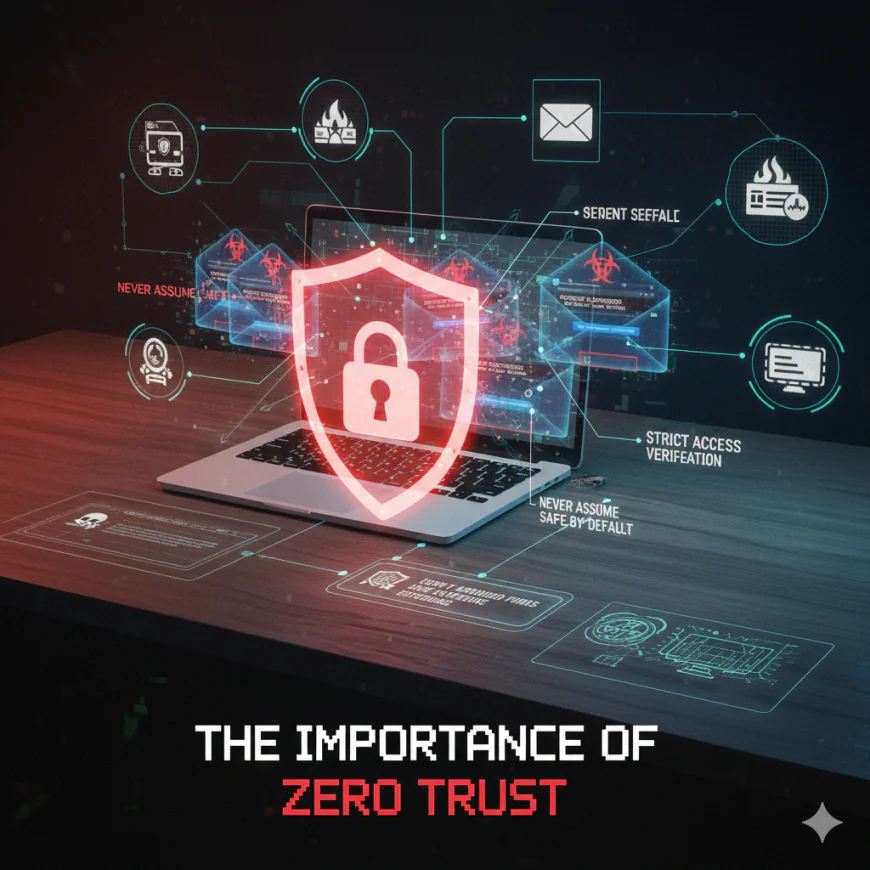
Zero trust denotes that default assumption on safety of emails is never made and therefore scrutinized even when the emails are presumed to be from known contacts. Sophisticated companies apply cutting-edge email filters, sandboxing, and live monitoring thus capturing malignant emails prior to delivery to employees. For users, practice of doubt is the most effective protection
Extra Layer: Email Security Platforms
If you do not want to receive the threats at all, use the new email security solutions that can really do this for you. An example of such a platform is IntelligenceX.org, which gives very wide threat intelligence and employs real-time anomaly detection that marks questionable emails thus granting an advantage to both companies and individuals against the ever-changing cyber threats.
Final Thought: Your Inbox Is Your Frontline
Email is still a crucial tool as well as a major attack vector in cybersecurity. Consider every email message received as something that might be harmful. Instruct your coworkers or relatives to always keep such emails closed unless they are completely confident about the sender and the matter. Perception, alertness, and the proper instruments are your greatest protection-now and always