







Hackers Replace ‘m’ with ‘rn’ in Microsoft(.)com to Steal Users’ Login Credentials
A phishing attack uses the deceptive domain “rnicrosoft.com” (replacing 'm' with 'rn') to visually mimic the Microsoft login page, stealing user credentials via a homograph attack. Users must validate URLs carefully and use Multi-Factor Authentication (MFA) to prevent compromise.

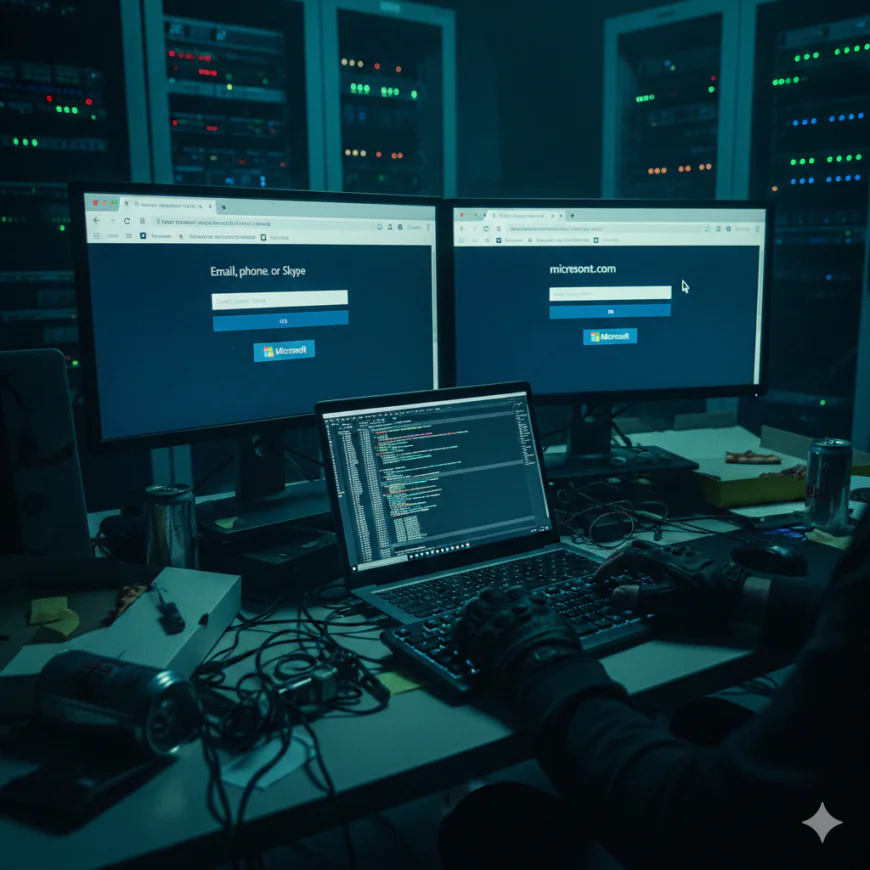
The Deceptive Typo: How ‘rnicrosoft.com’ Steals Credentials
In the complex landscape of cyber threats, attackers continue to evolve their methods with which to evade even the most vigilant users. A rather insidious phishing campaign in this regard involves a subtle typographical trick that effectively morphs the familiar into a dangerous impostor. This campaign uses the domain “rnicrosoft.com” to impersonate Microsoft’s legitimate site with an elaborately designed platform for user login credential harvesting.
All it takes to achieve this is to simply replace the letter 'm' with the combination of 'r' and 'n', which resembles the letter 'm' to the naked eye. This manipulation is one of the best examples of homograph attacks, showing how ingeniously threat actors continuously take advantage of human perception and trust against us. This is not a vulnerability in Microsoft's systems per se but rather a social engineering exploit that leverages how quickly we scan and interpret URLs.
Understanding the ‘rnicrosof.com’ Phishing Tactic
The core of this attack is in the simplicity and effectiveness thereof: when one looks at a URL hastily, especially in today's heavy digital environment, the human eye may interpret "rn" as "m." This is just the kind of visual ambiguity the attackers are counting on. Users accustomed to seeing legitimate Microsoft login pages may not scrutinize the URL bar closely enough to catch the substitution.
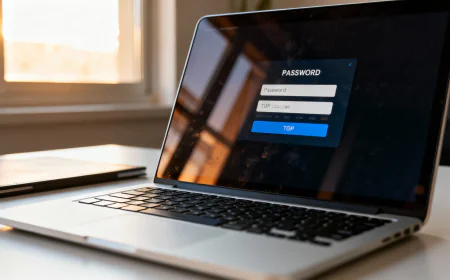
The victim opens the spoofed "rnicrosoft.com" page and gets a carefully crafted simulation of the Microsoft login portal. Victims are likely to believe they are accessing a valid site and thus give out their credentials without any second thought, which they unknowingly submit directly to the attackers. The stolen information can be used for everything from other account compromises to corporate networks and financial data.
The Mechanics of Homograph Phishing
The technique used here is one form of homograph phishing-a way for attackers to utilize characters that appear the same or very similar to legitimate characters in a domain name. While Unicode characters-such as those from various alphabets-are in common use during more sophisticated homograph attacks, this campaign shows that straightforward substitutions based on ASCII characters can be remarkably effective.
The impact of successful credential theft via such campaigns can be severe:
- Account Takeover: The attackers will have full control over the compromised Microsoft account.
- Data Breaches: Access to sensitive personal or corporate data stored within the account.
- Further Phishing: The compromised account can be used to send further phishing emails to contacts, expanding the attack surface.
- Financial fraud: If related to financial services, direct financial losses.
While there is not a specific CVE number assigned to this social engineering tactic itself-as it exploits user behavior rather than a software flaw-the consequence of falling victim can lead to vulnerabilities that otherwise would be cataloged, such as unauthorized access to systems protected by multi-factor authentication.
Remediation Actions and Prevention
The protection against sophisticated phishing campaigns, such as the "rnicrosoft.com" trick, needs to be multilayered in nature, combining user education with robust technical controls. Critical remediation and preventive actions include the following:
- Validate URLs Carefully: It's always a good practice to spend an extra second checking the URL in your browser's address bar. Check for single-character typos, additional characters, or unfamiliar top-level domains. For Microsoft services, make sure the domain is actually microsoft.com or an appropriate subdomain.
- Bookmarks: Use your own bookmarks, rather than clicking on links in emails or external websites, to reach the login pages you need or regularly use, particularly critical services.
- Employ MFA: This will serve as a critical second line of defense even when credentials are compromised, since MFA creates significant barriers to unauthorized access.
- Hover Before Clicking: Before clicking any link in an email or on a website, hover your mouse over it without clicking to show the destination URL. If it looks suspicious, do not click.
- Regular Security Awareness: Include education on homograph attacks and other phishing mechanisms. Regular training helps to further reinforce good security practices among users.
- Deploy Advanced Email Security Solutions: Employ email security gateway solutions that can detect phishing emails and quarantine them, including those that use tricky domain names.
- Browser Security Features: Ensure that your web browsers are up to date and their phishing/malicious site detection features are enabled.
- Report Suspicious Activity: If you encounter a suspicious website or email, report it to your IT security team or the appropriate authorities.
Final Thoughts
But the "rnicrosoft.com" phishing campaign really drives home that even the most minimalist of deceptions can be quite successful against an uninformed public. Cybersecurity isn't just about the back-end complex technical defenses; it's also about changing user attitudes toward vigilance and critical thinking. Knowing what the attackers do and taking initiative with proactive security, individuals and organizations can significantly reduce the possibility of falling victim to such credential theft schemes.